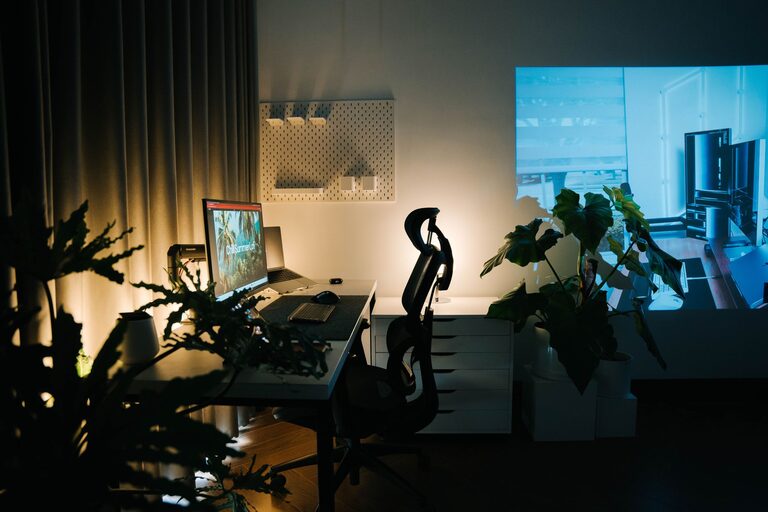
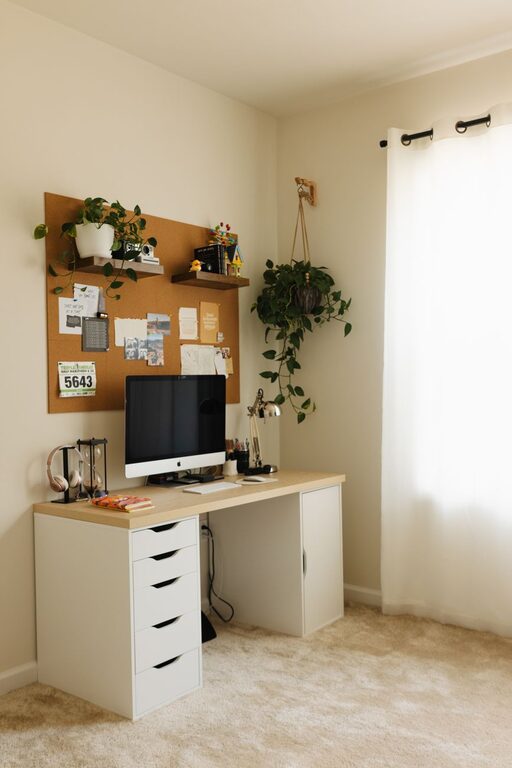
Creating a cozy and functional home workspace is essential for staying productive and comfortable while working from home. Whether you have a dedicated room or just a corner of your living space to work in, designing an area that supports focus and inspires creativity can make a big difference in your daily routine. Below, we’ll explore practical tips to help you set up a workspace that feels both inviting and efficient.
Choose the Right Location
Assess Your Available Space
Start by identifying the best spot in your home for a workspace. Ideally, this should be a quiet area with minimal distractions. If possible, choose a space near natural light, like by a window, as sunlight can increase energy and improve mood.
Consider Privacy and Noise Levels
If your home is busy or noisy, look for a location where you can maintain privacy. If noise is unavoidable, consider soundproofing options or use noise-canceling headphones to help maintain focus.
Focus on Comfort
Invest in a Good Chair
Your chair plays a crucial role in comfort during long work hours. Choose one that supports good posture and adjusts to your height and desk level to avoid discomfort and back pain.
Adjust Desk Height and Setup
Make sure your desk is at a height where your arms rest comfortably when typing or writing. Your monitor should be at eye level to prevent neck strain.
Lighting Matters
Good lighting reduces eye strain and creates a pleasant workspace. Combine natural light with task lighting like a desk lamp that you can adjust based on your needs.
Organize for Efficiency
Declutter Your Desk
Keep your workspace tidy by only having essential items on your desk. Use storage solutions like drawers or desk organizers to keep supplies within easy reach without cluttering your surface.
Use Cable Management Tools
Tangled cords can disrupt your workspace’s neatness. Cable clips, sleeves, or clips keep wires organized and prevent distractions.
Create Zones
If space allows, designate specific areas for different tasks, such as a spot for computer work, paperwork, or creative projects. This separation can enhance focus and streamline your workflow.
Personalize Your Workspace
Add Comforting Elements
Incorporate cozy touches like a soft throw blanket, a cushion for your chair, or a small indoor plant for fresh air and a calming vibe.
Display Inspiring Items
Personal mementos, photos, or motivational quotes can make your workspace more enjoyable and encourage positivity.
Use Technology Wisely
Choose the Right Tools
Equip your workspace with reliable technology suited to your work needs, whether that includes a fast computer, ergonomic keyboard, or quality headset.
Minimize Digital Distractions
Use apps or browser extensions to block distracting websites during work hours, so you can maintain your focus.
Maintain a Routine
Set Boundaries
Mark clear start and end times to your workday, and communicate them with others to avoid interruptions.
Take Breaks
Regular breaks are essential to reduce stress and maintain productivity. Use a timer or app to remind you to stand up, stretch, or take a short walk.
Keep it Fresh
Periodically reassess your workspace setup. A little rearranging or adding new elements can keep your environment engaging and comfortable.
Conclusion
Creating a cozy and functional home workspace doesn’t require a complete overhaul or expensive equipment. By choosing the right location, focusing on comfort, organizing efficiently, and adding personal touches, you can design a space that supports your best work. Remember, your workspace should adapt to your needs, so don’t hesitate to make changes until it feels just right. A well-organized, comfortable workspace not only boosts productivity but also makes working from home a more enjoyable experience.
About the Author